Keep the likeness current
Choose a result that still looks like you today. Avoid publishing an image that changes facial features, age, hair, or body shape enough to surprise a client in person.
Trust starts with a professional first look
Insurance is a relationship business built on trust and reliability. Whether you specialize in life, health, property, or commercial insurance, a professional headshot on your agency's website, business cards, and LinkedIn profile establishes immediate credibility with potential clients.
Upload 15 clear photos and choose a one-time package: $29 for 10 images, $39 for 100, or $59 for 200. Review every result for likeness and generation errors before using it professionally.
Get your headshotsHow it works
No lighting kit, no makeup, no photographer. Just your phone.
Share 15 clear, recent photos with varied angles and expressions.
Behind the scenes, our model trains on your photos and generates 10–200 headshots, depending on your package.
Pick your favorites and download in full resolution. You own them — use them anywhere, for anything.
Professional AI headshots for insurance agents and brokers. Build client confidence with polished portraits for agency websites, business cards, and marketing collateral. Consider where the image will appear, how accurately it must represent you, the required crop and background, and whether an AI workflow or a live photographer better fits the use case.
Insurance agents are in a trust-first industry. Your photo appears on your business card, agency website, local Google Business Profile, and marketing flyers. A consistent, professional image across these channels reinforces your reliability every time a prospect sees it.
Agency websites with inconsistent or outdated agent photos
Local marketing materials requiring professional imagery
Building personal brand within a large agency or brokerage
Client newsletters and email campaigns where a photo builds familiarity
An insurance headshot has to remain recognizable across both digital profiles and small printed placements. Review these details before publishing a generated portrait.
Choose a result that still looks like you today. Avoid publishing an image that changes facial features, age, hair, or body shape enough to surprise a client in person.
Use attire, background colors, and crops that fit your agency website and any brand standards. Independent brokers can choose a style that remains consistent across their own channels.
Keep a square version for profile platforms, a vertical portrait for agent biographies, and enough resolution for business cards, flyers, newsletters, or event programs.
Check how the image appears on the agency roster, LinkedIn, Google Business Profile, email signature, printed collateral, and any producer or broker biography you control.
Check eyes, teeth, hair edges, glasses, jewelry, clothing, and background objects at full size. Use a different result if any detail looks distorted or implausible.
If you work for an agency, brokerage, or carrier, confirm whether it requires a specific background, crop, photographer, disclosure, or approval process before publishing.
An insurance agent headshot should be current, recognizable, approachable, and easy to crop for agency websites and profile platforms. Choose attire and a background that fit your clients and agency brand rather than relying on an exaggerated or heavily retouched look.
Common placements include agency team pages, broker or producer biographies, LinkedIn, Google Business Profile, business cards, email signatures, newsletters, marketing flyers, speaker profiles, and community-event materials.
AI-generated headshots can be useful when the result accurately represents the agent and the agency permits their use. Review every image for likeness and generation errors, and choose a photographer when exact art direction, compliance approval, or coordinated team photography is required.
Update the image when your appearance changes materially, you move to a new agency or role, the company changes its visual standards, or the existing photo no longer looks like you. Recognizability matters more than following a fixed schedule.
Customer stories
“What a fun experience! Turned out amazing and saved me money from an expensive photographer.”
Karin
Marketing Lead
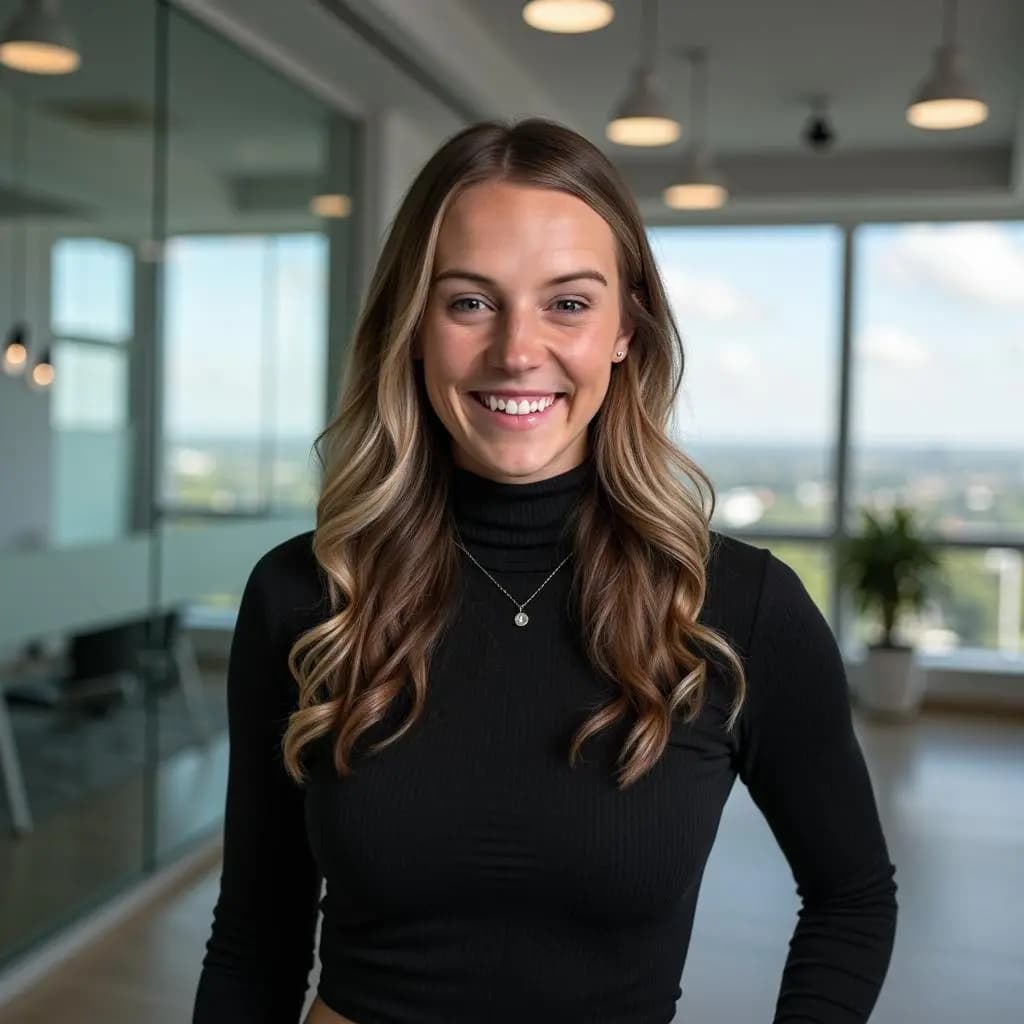
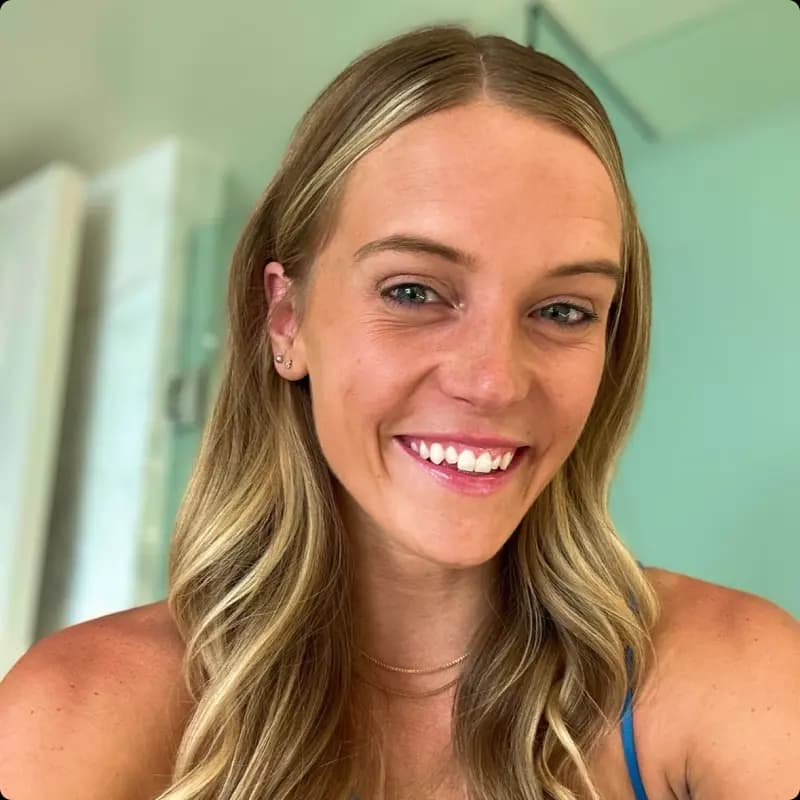 Before
“Loved the variety and styling. The quality is genuinely indistinguishable from a studio shoot.”
Rasmus
Software Engineer
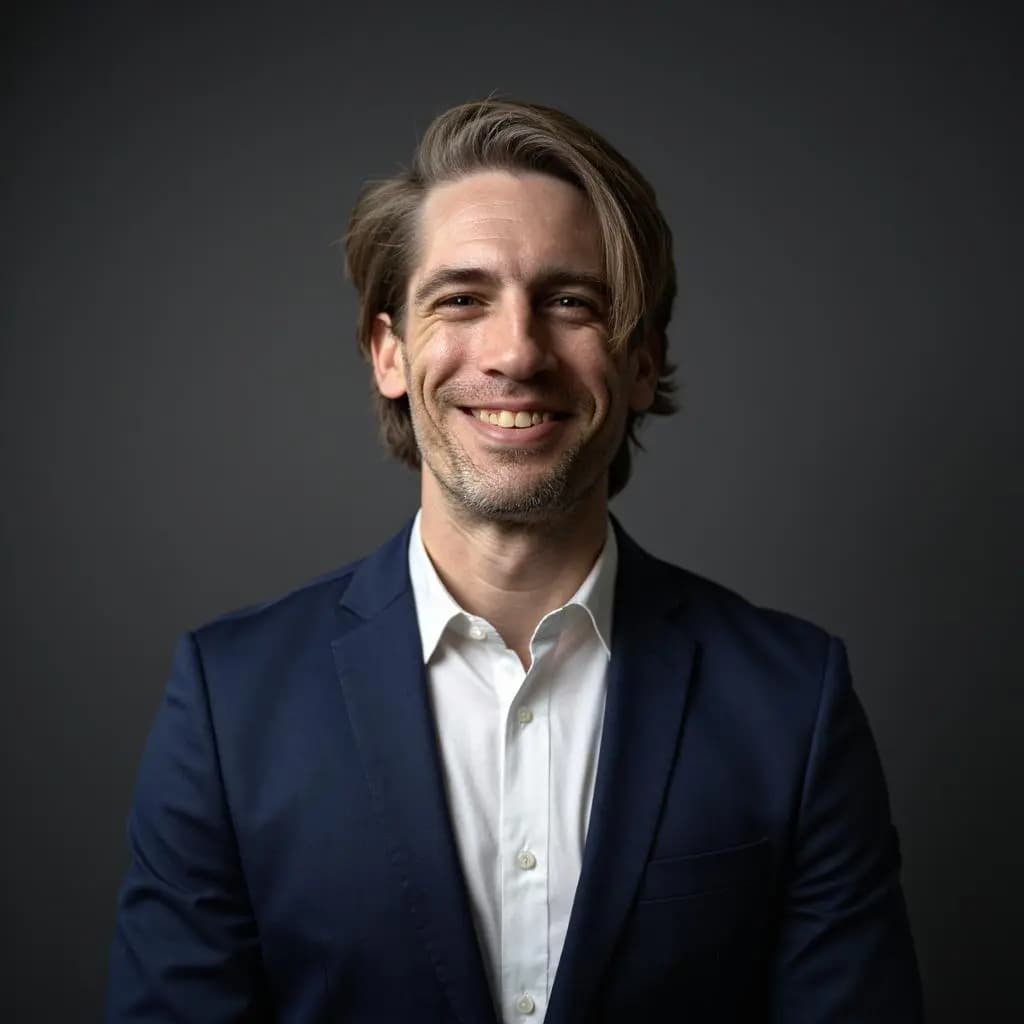
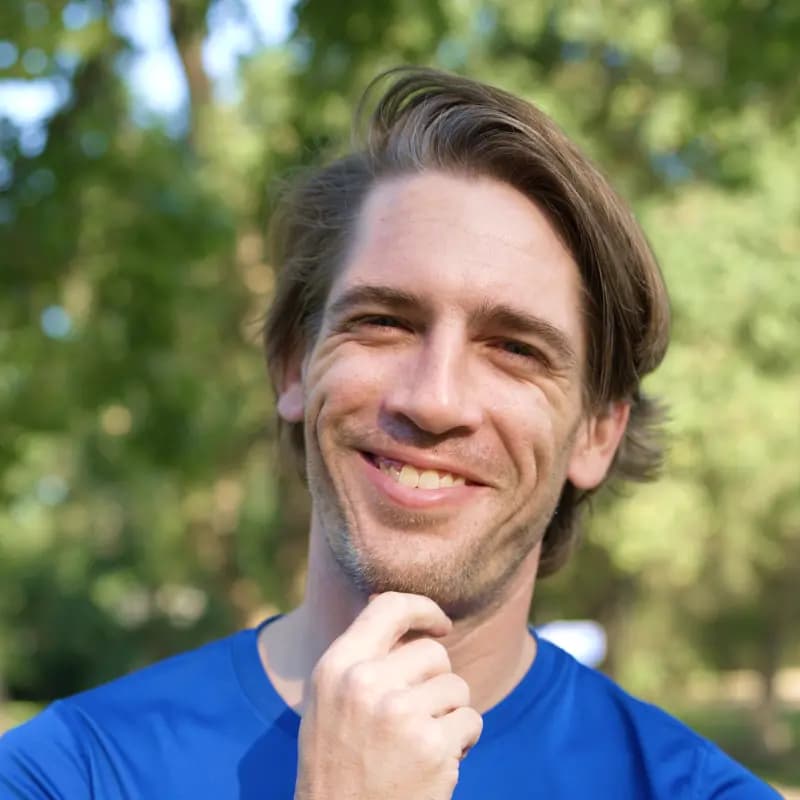 Before
Pricing
Choose a one-time package: $29 for 10 images, $39 for 100, or $59 for 200.
For refreshing a single profile.
Professional and Executive refund terms apply; Basic is non-refundable. Read the policy.
Full commercial rights and ownership of your AI-generated headshots
Get answers to common questions about our professional AI-generated headshot service for individuals and remote teams.
Make variety a priority. Varied facial expressions and varied backgrounds, taken at different times of the day, help create high quality input photos. Minimal makeup and accessories work best.
Uploaded photos are used to train the AI model so it can create realistic AI headshots. Input photos are deleted within 7 days, and users can delete them earlier with the Delete button.
You do. Customers receive full commercial rights and ownership over their AI-generated photos. Use them on LinkedIn, your website, business cards, or anywhere else.
Professional and Executive purchases may qualify for a refund when the policy conditions are met, including not downloading the generated images. The Basic plan is not refundable. Review the refund policy for the complete terms.
Published delivery estimates are 3 hours for Basic, 2 hours for Professional, and 1 hour for Executive. Actual processing can vary.
Yes. Choose a natural result that accurately represents your current appearance, review it carefully for generation errors, and crop it clearly for your LinkedIn profile.
No. ProfilePerfectAI currently offers paid one-time packages starting at $29. The Basic package includes 10 generated headshots.
Realism is subjective and depends heavily on the source photos. Compare providers using identical input-photo quality, then check facial likeness, hair, teeth, glasses, hands, clothing, and background edges at full size.
Check that the image still looks like you. Inspect facial features, hair, teeth, glasses, jewelry, hands, clothing, and background edges, and confirm that the style fits the platform where you will publish it.
For planning purposes, many individual photographer sessions fall around $150-$500, although packages vary widely. ProfilePerfectAI costs $29 for 10 images, $39 for 100, or $59 for 200.
Usable output varies with input-photo quality and the selected package. Follow the upload guidance, then review every result carefully for likeness and generation errors before publishing it.
Choose based on budget, output count, turnaround, privacy, refund terms, editing controls, and team features. ProfilePerfectAI offers 10 images for $29, 100 for $39, or 200 for $59.
Explore AI headshots for other professions: